Client Reporting
Client-ready updates

Draft structured delivery summaries and reports based on real project data — always up to date.
 Shared Inbox vs. Ticketing System: Why the Switch Hurts — and Why It's Still Worth It
 When You Don't Notice Your Business Is on Fire
Embedded in your workspace and grounded in live delivery data — so it can act with context, not guesswork.
Client Reporting
Draft structured delivery summaries and reports based on real project data — always up to date.
Delivery Questions

Get accurate answers about project status, blockers, risks, and progress — grounded in live delivery data from your workspace.
Tickets & Workflows

Create and update tickets, statuses, and records directly inside Leadtime — within defined permissions and scope.
Project Overview

Summarize work across projects and teams without manual reporting or context switching.
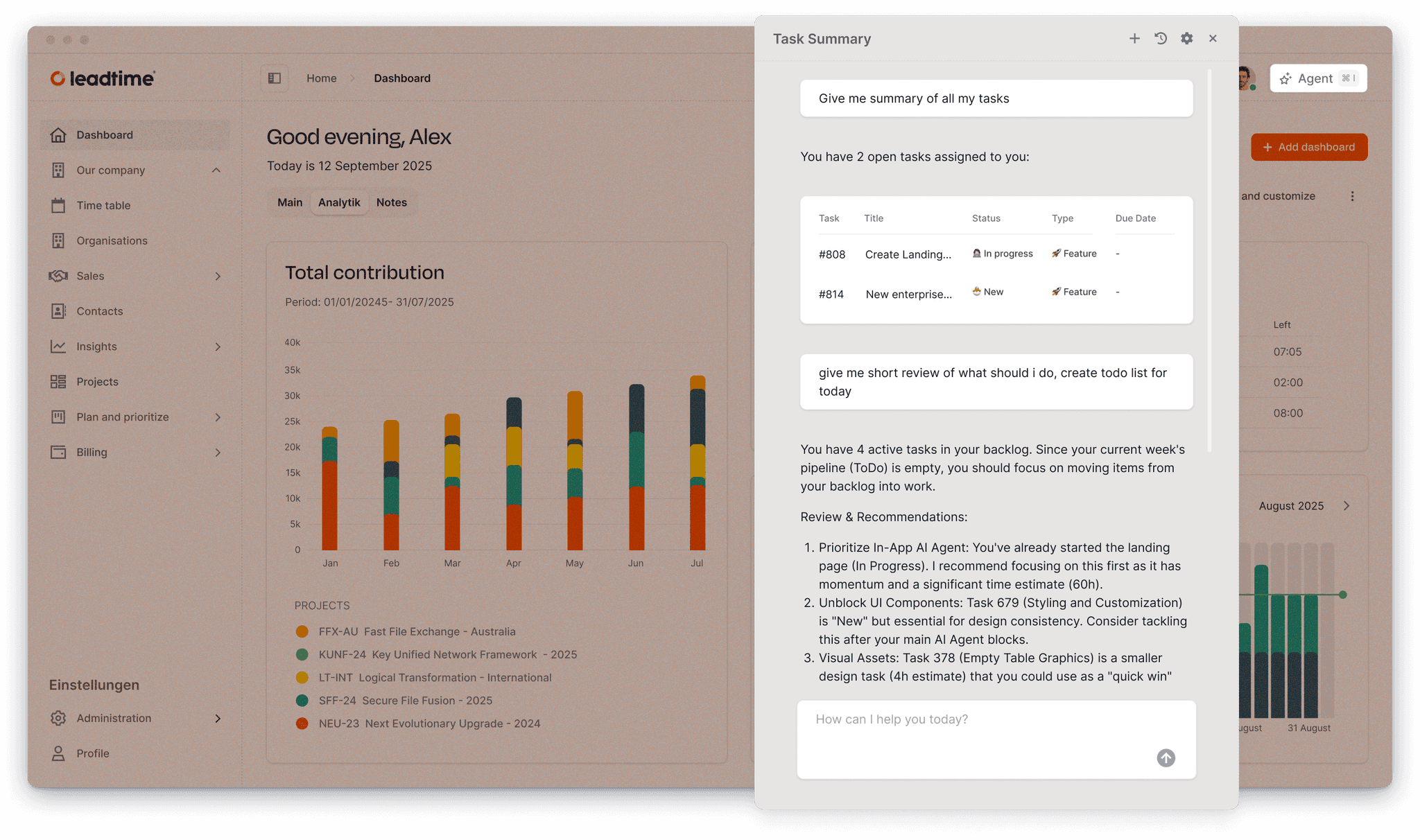
The AI agent operates directly on your Leadtime workspace, using live delivery data to answer questions and take action.
Projects, tickets, clients, and teams — not isolated prompts.
Operates within workspace access and defined scopes.
No exports, no snapshots — answers are always up to date.


Explore how an AI agent embedded in your delivery system helps teams move faster — without losing context.
Try for free now!